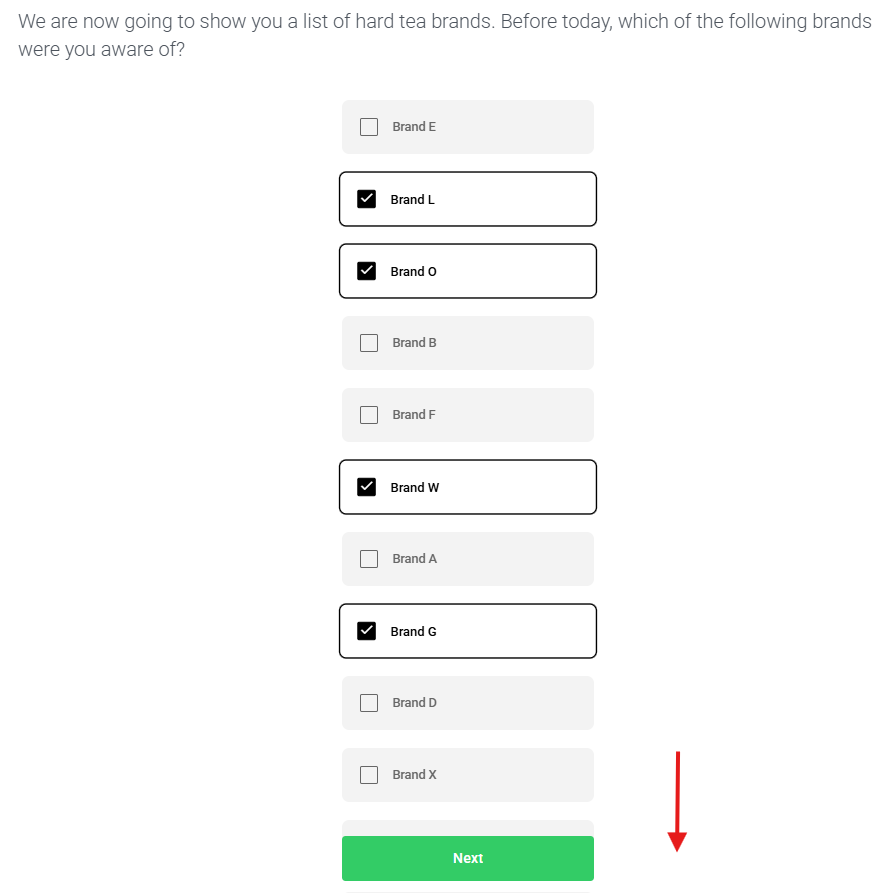
Max Columns (for Choices).
Within your Choice questions, above your Choices, there's a button for Max Columns with 3 options for Auto, 1, 2, 3. This lets you control how many columns your choices will appear in the survey to respondents.
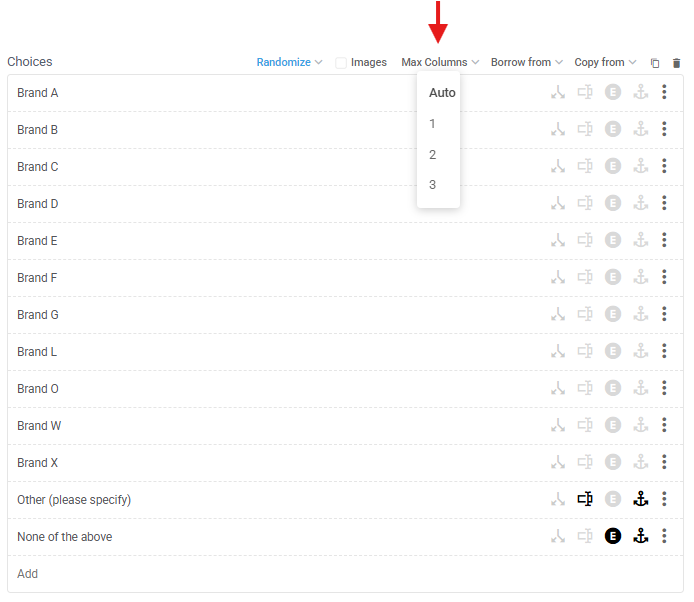
Auto is the default and will automatically show your choices across the optimum number of columns to minimise scrolling, up to a maximum of 3 columns. E.g. the 13 choices above will automatically appear in 3 columns below.
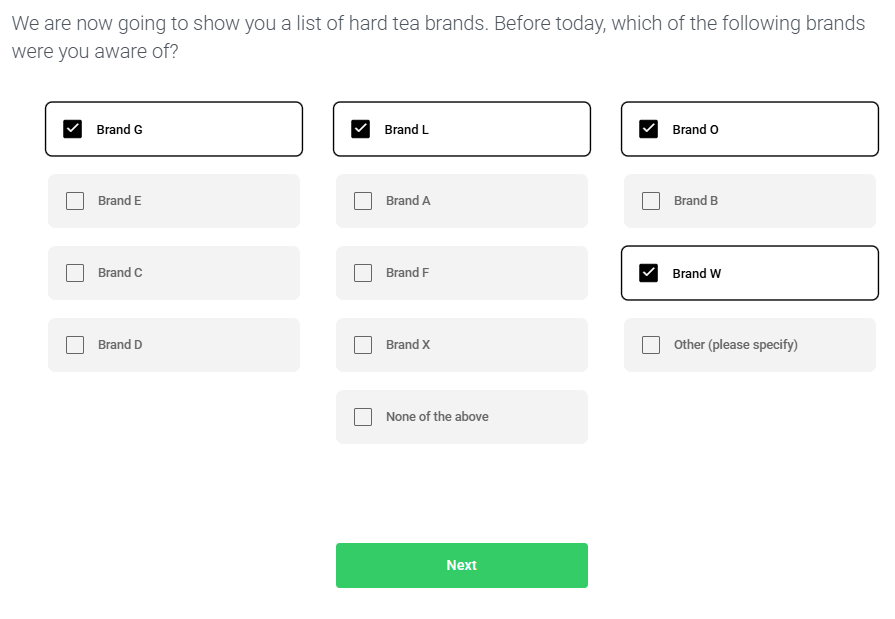
But you can change this to whatever you like using Max Columns. So, if you want all 13 options above to appear in 2 or 1 columns, go for it!
2 columns

1 column
Note that respondents have to scroll down to see the full list for larger lists with fewer columns.